Skip to content

Best picks for your needs

Product comparisons to help you choose.

Showing 697–720 of 2800 · Page 30 of 117

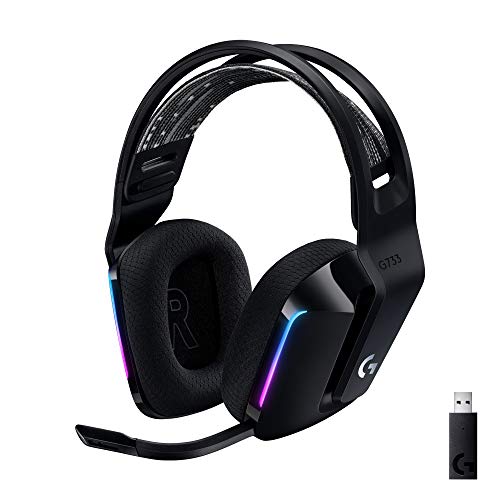
Logitech PRO X Wired

ASIN B07PDFBJZD

G733

ASIN B081415GCS

Electronics & accessories

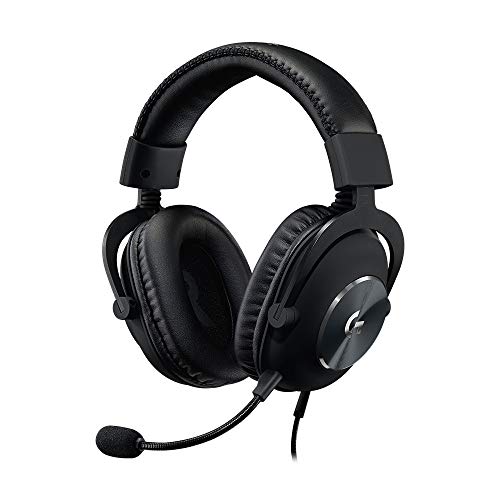
Logitech PRO X Wired vs G733: Choose by Connection and Fit Adjustments

Choose the PRO X for its wired connection, documented USB-DAC PC workflow, and leatherette-or-velour earpad choices listed by Logitech. Choose the G733 for LIGHTSPEED wireless via USB receiver, USB-C charging, and adjustable cups with a reversible strap.

Read comparison

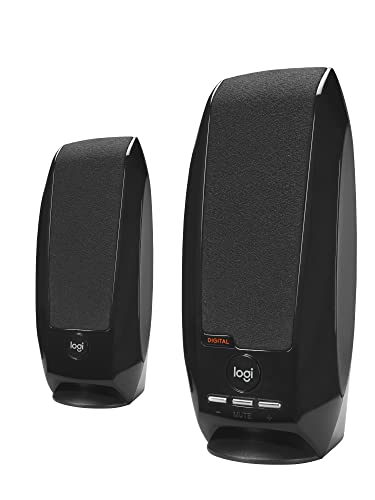
Logitech S150

ASIN B000ZH98LU

Z150

ASIN B00EZ9XLEY

Electronics & accessories

Logitech S150 vs Z150: Which Connection Fits Your Desk?

Choose S150 for a computer-centered USB setup and push-button muting. Choose Z150 for a 3.5 mm source, rotary speaker control and a front headphone connection, provided you can accommodate its AC adapter.

Read comparison

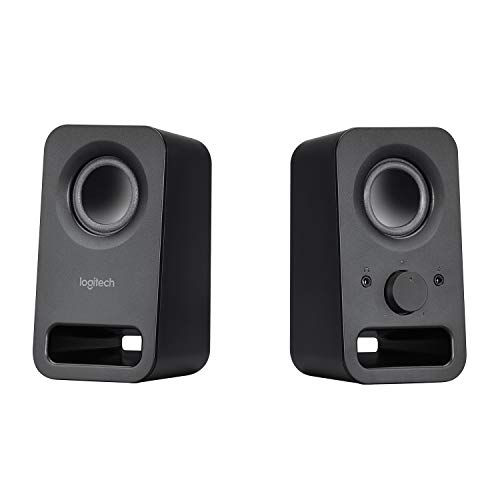
Logitech Z207

ASIN B074KJ6JQW

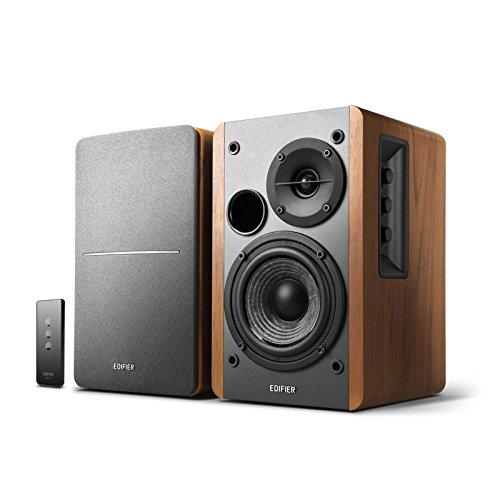
Edifier R1280T

ASIN B016P9HJIA

Electronics & accessories

Logitech Z207 vs Edifier R1280T: Which Fits Your Listening Setup?

Choose Logitech Z207 for Bluetooth playback and a volume knob within reach. Choose Edifier R1280T for wired analog sources and infrared remote volume control; its two inputs can play at the same time, so silence the source you do not want to hear.

Read comparison

Logitech Z207

ASIN B000ZH98LU

S150

ASIN B074KJ6JQW

Electronics & accessories

Logitech Z207 vs S150: Bluetooth Switching or One Computer?

Choose Z207 if you want a computer and phone paired over Bluetooth: pause one and play the other to switch. Choose S150 if the speakers will stay with one computer and you want USB-A audio and power plus a dedicated mute button.

Read comparison

M720

ASIN B087Z6LSHW

MX Master 3S

ASIN B0G2SG3NFT

Electronics & accessories

M720 vs MX Master 3S: Which Scrolling and Power Routine Fits?

The M720 is the more direct fit if you want an included Unifying receiver and a replaceable AA, while the MX Master 3S Bluetooth Edition recharges over USB-C and does not include its compatible Logi Bolt receiver.

Read comparison

MacBook Neo

ASIN B0GR6FHGXX

MacBook Air M5

ASIN B0GR1493ZV

Electronics & accessories

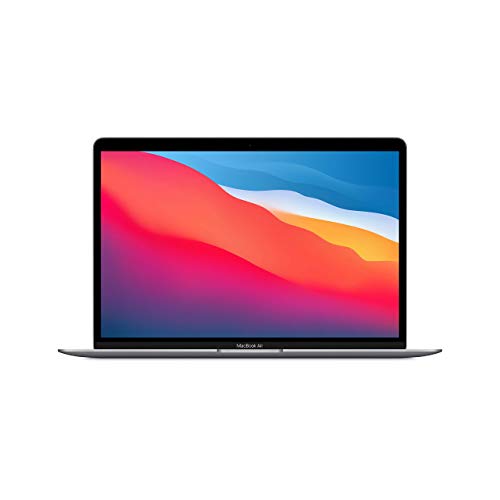
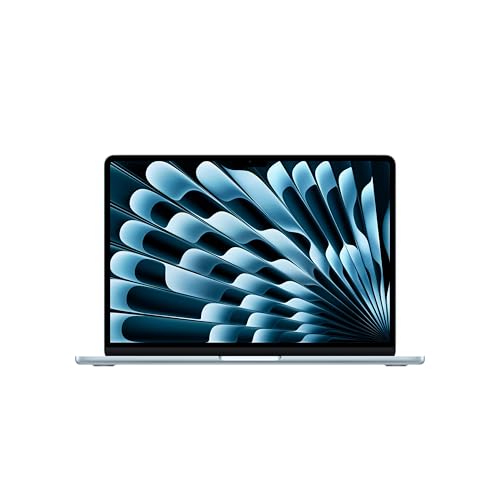
MacBook Neo vs MacBook Air M5: Which One Fits Your Setup?

Choose by the desk you need to connect: the Neo is documented for one compatible external display up to 4K/60Hz, while the Air M5 supports up to two external displays and adds Thunderbolt 4 ports, 16GB unified memory and 512GB base storage in these exact configurations.

Read comparison

MacBook Neo

ASIN B0GR6FHGXX

Vivobook Go 15

ASIN B0BXRD41GM

Electronics & accessories

MacBook Neo vs Vivobook Go 15: Choose by Apps, Screen Size and Storage

Check required apps first: Apple specifies macOS and ASUS lists Windows 11 Home for exact E1504FA-AS52. If both fit, choose between the Neo’s 13-inch/256GB configuration with a published 1.23kg weight and the ASUS’s 15.6-inch FHD/512GB setup.

Read comparison